
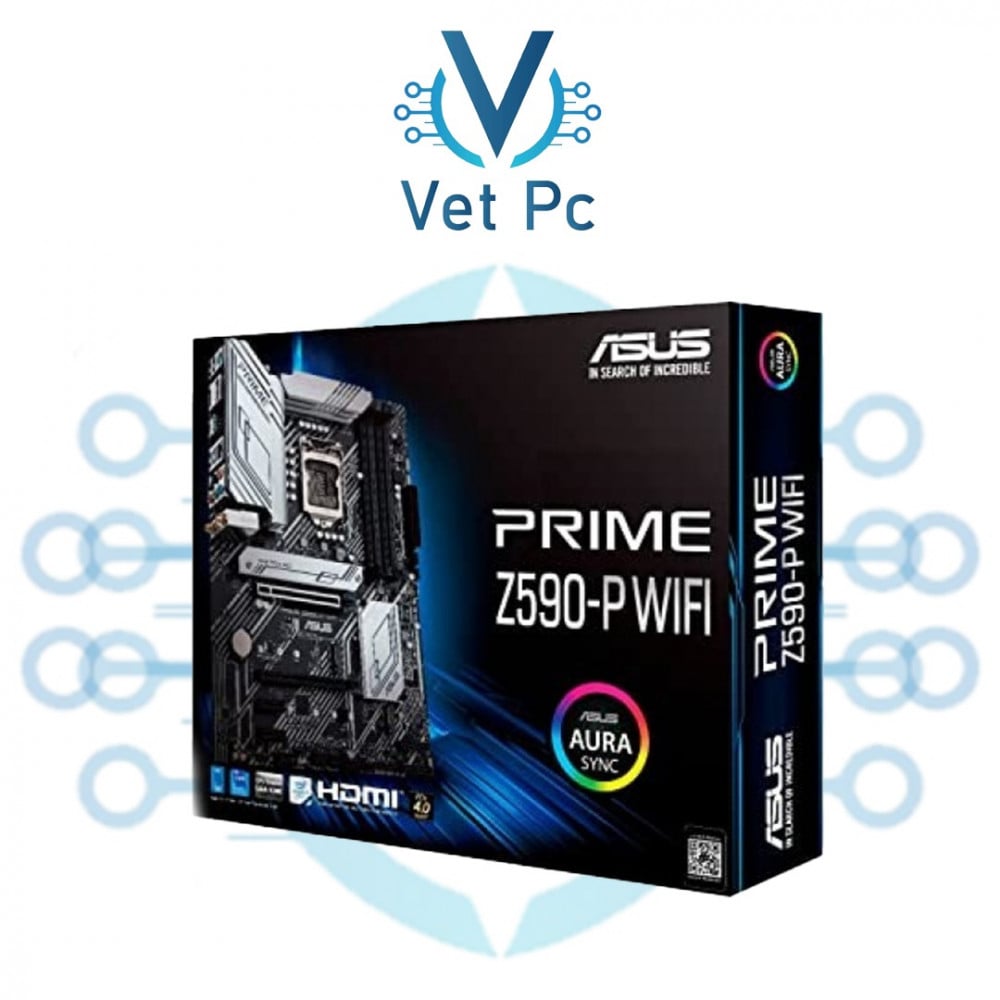
Motherboard
- The motherboard is one of the main parts of any computer, as it connects and connects the other components in the computer to each other, and therefore plays a crucial role in the overall performance of the computer.
- A motherboard consists of multiple layers of circuitry connected to each other by a set of wires and connectors. The main components of a motherboard include the processor (CPU), random access memory (RAM), graphics card (GPU), sound card, hard drive, CD/DVD drive, and many other connections and connectors.
- Motherboard specifications vary from computer to computer, with the appropriate motherboard chosen based on the type of processor and memory to be used. Motherboards are available in various sizes and shapes, and the appropriate size is chosen based on the size of the computer and the number of components to be connected.
- The motherboard is one of the most important factors affecting computer performance, impacting data transfer speed, sound and image quality, and power consumption. Therefore, choosing the right motherboard plays a crucial role in determining your computer's performance.
- In addition, the motherboard contains a set of slots and connectors that allow other components to be connected to the computer, such as sound, display, network, and video cards, as well as sensors and other external devices.
- Motherboards are manufactured by specialized companies such as ASUS, Gigabyte, MSI, and others, and are available in various prices and specifications. It's important to choose the right motherboard based on the user's needs and budget.
- Ultimately, the motherboard is one of the essential components of any computer, playing a crucial role in its overall performance. It's important to choose the right motherboard based on the user's needs and requirements. Consulting with experts in the field is recommended to benefit from their expertise and guidance in selecting the appropriate motherboard.
- It's worth noting that motherboards are constantly evolving, with new versions being released regularly featuring better and more advanced specifications and technologies. Therefore, regularly updating your motherboard is essential for optimal computer performance.
- In conclusion, the motherboard is one of the essential components of any computer, playing a crucial role in its performance, sound and image quality, and power consumption. It's important to choose the right motherboard and update it regularly to ensure optimal performance and a better computer user experience.
- Users who wish to build their own computers can learn more about motherboards, their specifications, and the factors to consider when choosing one. They can also take advantage of online resources and specialized websites to gain the necessary knowledge and information.
- Finally, the motherboard is one of the key factors that determines a computer's performance, so it must be given special attention, ensuring that the appropriate motherboard is chosen according to the user's needs and requirements.
What are the basic specifications to look for in a motherboard?
The basic specifications to look for in a motherboard include its processor, RAM, and available ports and connectors. Below are some of the basic specifications to consider when choosing a motherboard:
1- Motherboard compatibility with the processor: Ensure that the selected motherboard is compatible with the processor the user intends to use. Pay attention to the type of socket used in the motherboard and its compatibility with the processor, such as the LGA1151 and LGA1200 sockets for Intel processors, and the AM4 socket for AMD processors.
2- Motherboard support for RAM: Ensure that the selected motherboard supports the type and speed of RAM the user wishes to use, as well as the number of supported channels (single or dual channel).
3- Number and type of PCIe slots: PCIe slots are very important on the motherboard, as they are used to install additional cards such as graphics cards, sound cards, and network cards. It is important to ensure that the motherboard has a sufficient number of PCIe slots to meet the user's needs, and that the available slot types are compatible with the additional cards the user wishes to use.
4- Number and type of SATA connectors: SATA connectors are used to connect hard drives, CD-ROM drives, and external hard drives. Therefore, you must ensure that the selected motherboard contains a sufficient number of SATA connectors and that their type is compatible with the drives the user wishes to use.
5- Motherboard support for certain technologies: You must ensure that the motherboard supports the technologies required by the user, such as HD Audio, Gigabit Ethernet, and other available technologies.
- These are some of the basic specifications that should be considered when choosing a motherboard. Other specifications can also be considered, such as the number and type of USB connectors, the number of display ports (DisplayPort or HDMI), and other specifications that can be tailored to the user's needs.
- It should be noted that the motherboard They come in various sizes, such as ATX, Micro-ATX, and Mini-ITX. Choose the size that best suits your computer case and user needs. Also, ensure the motherboard's quality and reputation in the market, as choosing a high-quality motherboard enhances your computer's performance and ensures its stability.
- Finally, it is best to consult with experts in this field to obtain the necessary advice and guidance in choosing the appropriate motherboard according to the user's needs and requirements.